Students in India preparing for JEE or NEET, and the parents paying for their preparation, who want a timetable they can check rather than a black box.
Come funziona
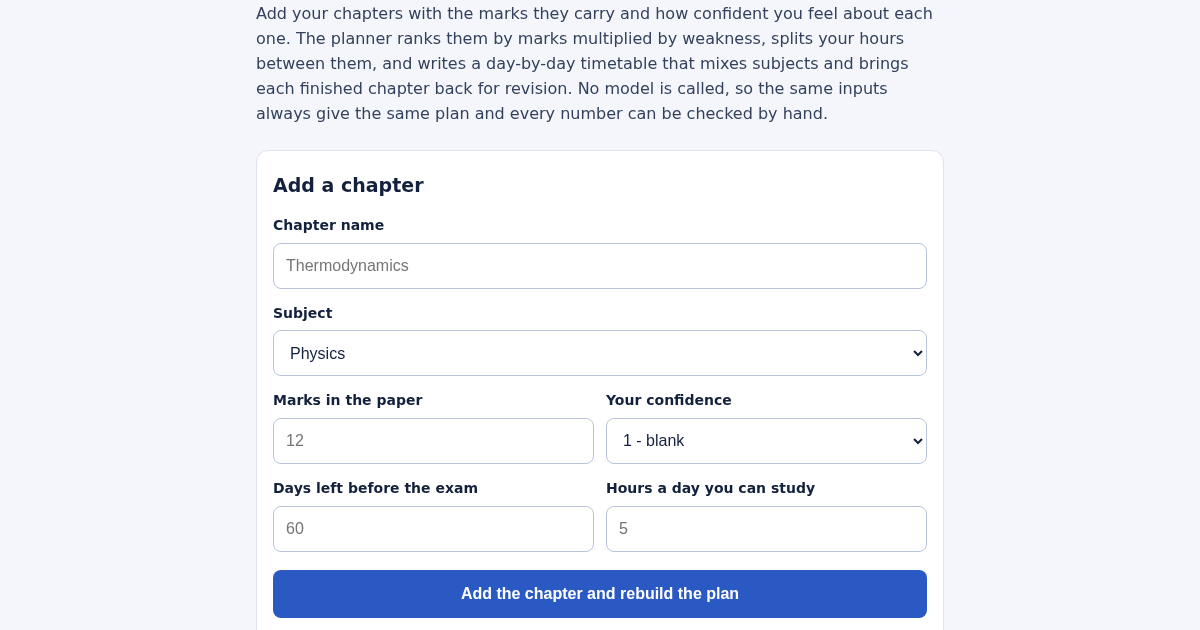
- Name a chapter, pick its subject, and enter the marks it carries in the paper.
- Set your confidence from 1 to 5 - 1 means blank, 5 means solid.
- Enter the days left before the exam and the hours a day you can study.
- Add the rest of your chapters, then read the priority list and the day-by-day timetable.
Cosa ottieni
- Builds a day-by-day JEE/NEET revision plan that puts your weakest, highest-mark chapters first and automatically schedules each topic's revision at the right interval — no guessing what to study today.
Schermata
Dettagli tecnici
Come configurare e usare
- Acquista la licenza — la chiave (lic_...) appare nella pagina dell'ordine e via email.
- Accedi su app.synoriaai.com con la tua chiave di licenza.
- Nessuna installazione — il prodotto gira nel browser, sulla tua istanza isolata.
- 1. Open the planner and add each chapter you need to cover: enter its name, pick the subject, set the marks weightage, and choose your current confidence level.
- 2. Set your total days left and the hours you can study per day, then click 'Add' to include the chapter in your plan.
- 3. Repeat for every chapter you want to schedule — you can add the same chapter again later to update your confidence and rebuild the plan.
- 4. Once all chapters are added, the planner generates a day-by-day timetable that mixes up to three chapters per day, schedules revisions after 1, 3, 7, and 21 days, and never exceeds your daily hours
- 5. Review the printed busiest day and any shortfall in hours if the days can't carry all chapters — the plan is fully transparent and checkable by hand.
Domande frequenti
Is my data safe if I enter my study plan?
Yes — the planner runs entirely in your browser with no external model or server calls. Your chapter names, marks, and confidence levels are not sent anywhere, and the same inputs always produce the same plan.
What happens if I don't have enough days to cover all chapters?
The planner does not silently create an impossible schedule. Instead, it shows the shortfall in hours so you know exactly how much extra time or which chapters to adjust before the exam.
Can I change my confidence level after adding a chapter?
Yes — adding the same chapter again updates its confidence, and the entire plan rebuilds automatically. This lets you reflect your improvement as you get stronger.
Prodotti correlati
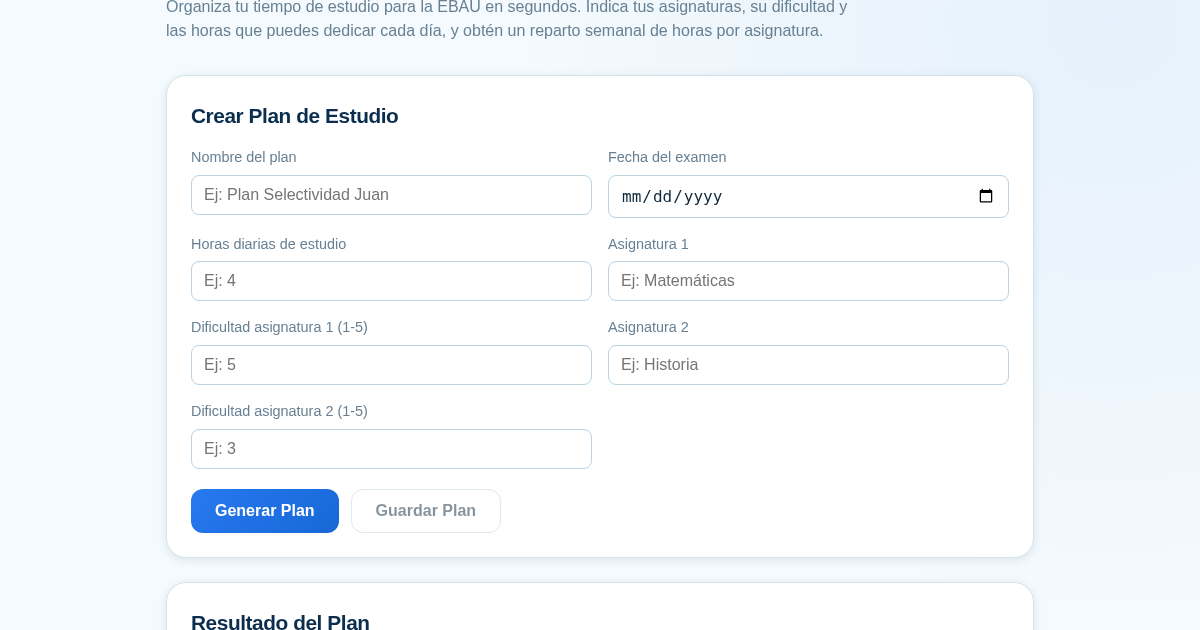
Planificador de Estudio para la EBAU
Organiza tu tiempo de estudio para la EBAU en segundos. Indica tus asignaturas, su dificultad y las horas que puedes dedicar cada día, y obtén un reparto semanal de horas por asignatura, guardado para que siempre puedas…
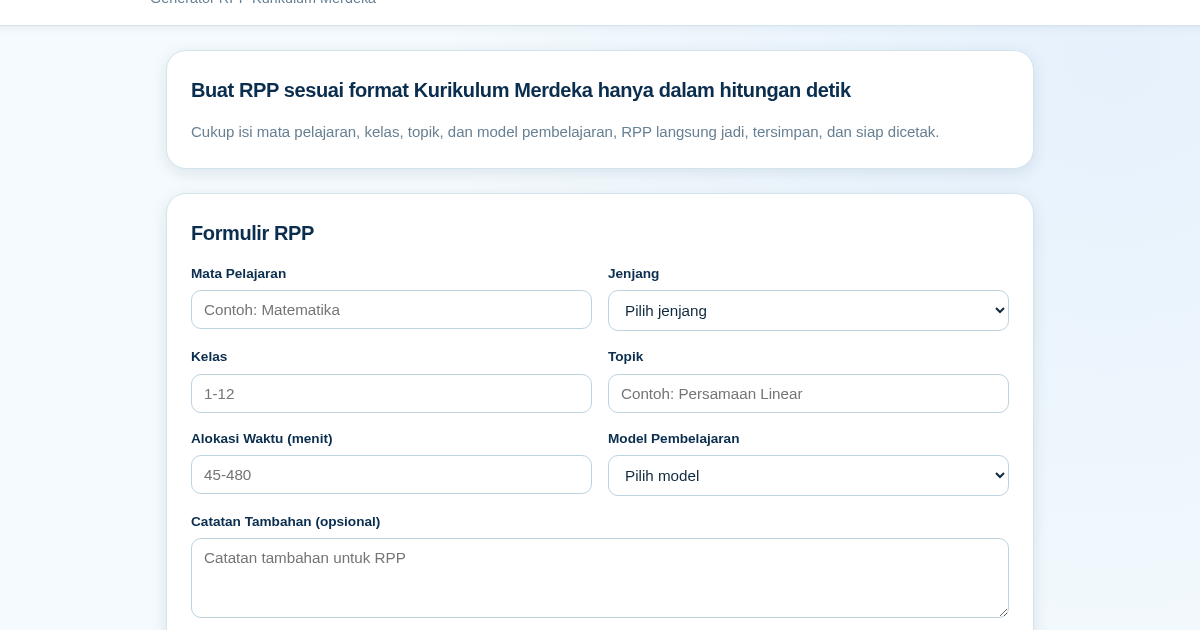
RPP Instan – Generator RPP Kurikulum Merdeka
RPP Instan membantu guru di Indonesia membuat Rencana Pelaksanaan Pembelajaran (RPP) sesuai Kurikulum Merdeka dengan cepat. Guru cukup mengisi formulir singkat, dan RPP langsung tersusun otomatis sesuai struktur yang…
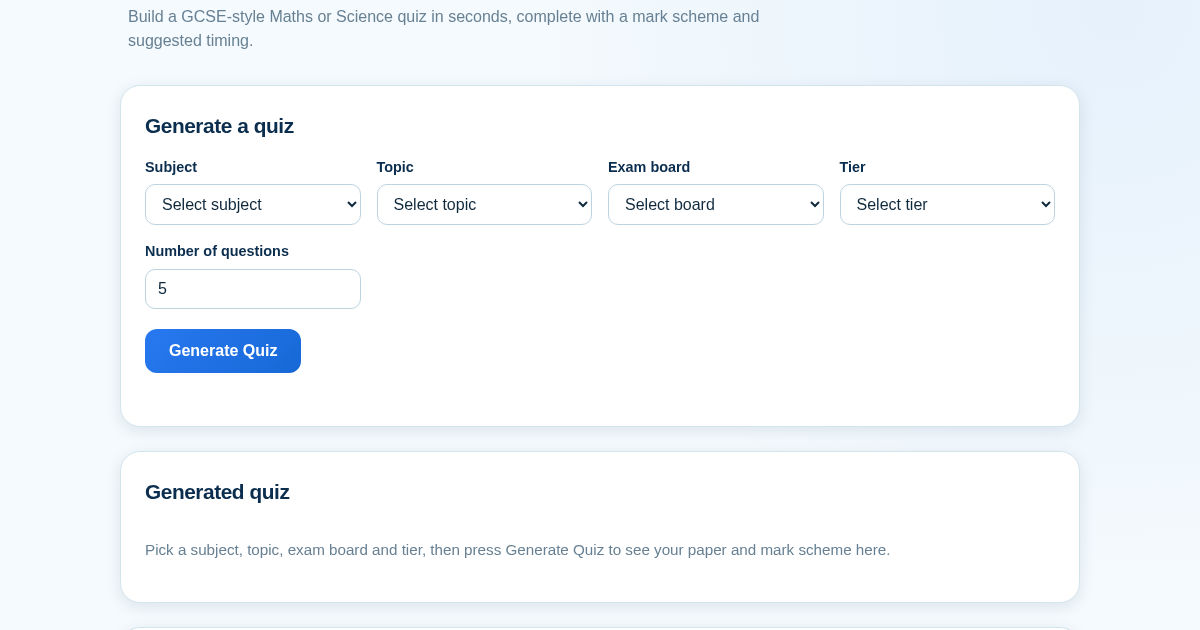
GCSE Quiz Generator for Teachers
GCSE Quiz Generator helps UK secondary school teachers and private tutors quickly create GCSE-style Maths and Science quiz papers from a built-in question bank. It automatically provides a mark scheme and suggested exam…
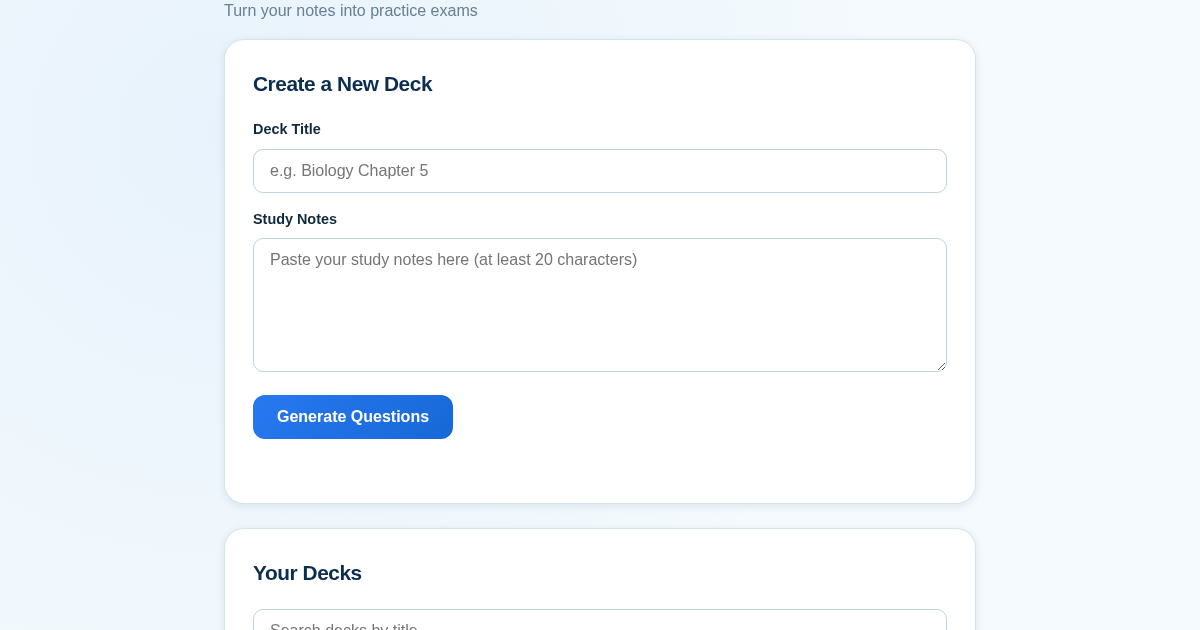
ExamGenius — Turn Your Notes Into Practice Exams
ExamGenius turns pasted study notes into practice quiz questions and schedules reviews using a spaced-repetition algorithm so learners retain material longer. Users paste notes, generate a question deck, self-grade…